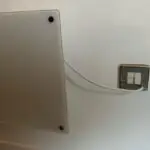
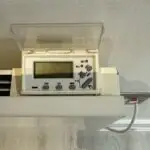
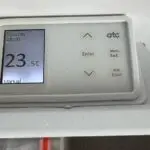
For all radiators, except the bathrooms, the heaters simply need to be switched on at the wall and you can then set the temperature desired on the panels on top of the radiators.
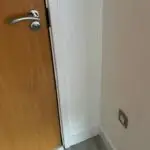
The switches for both bathroom radiators are just outside of the bathroom, on the wall to the right of each bathroom door, at floor level. Simply switch these on at the wall and the radiators will have power, so that the top setting panel comes on. The panels have an up or down area or a plus/minus button to increase or decrease the temperature. If you are staying for a longer period of time, you can of course set the automatic timers on, do contact us if you need help with that.
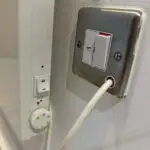
Note: The hall radiator also has side power switches which must be on for the panel to work, and there are no temperature settings for the bathroom radiators, they are either on or off.
Please ensure radiators are switched off (unless you have set the automatic timers) when you leave the apartment. When departing at the end of your stay, please ensure all heating has been switched off at the wall switches.
Overnight, please switch radiators off or for the rooms set to a lower temperature that is comfortable for you and kinder on the environment.
Heating Power Switch - Bathrooms
Heating Wall Power Switch Example
Heating Panel Power Switches - Hall
Heating Setting Panel -Hall
Heating Settings Panel - Bed 2
Heating Settings Panel - Bed 2
HOT WATER
The hot water tank and control panel are located inside the hallway cupboard, by the entrance to the apartment. This is also where you will finding cleaning and ironing equipment.
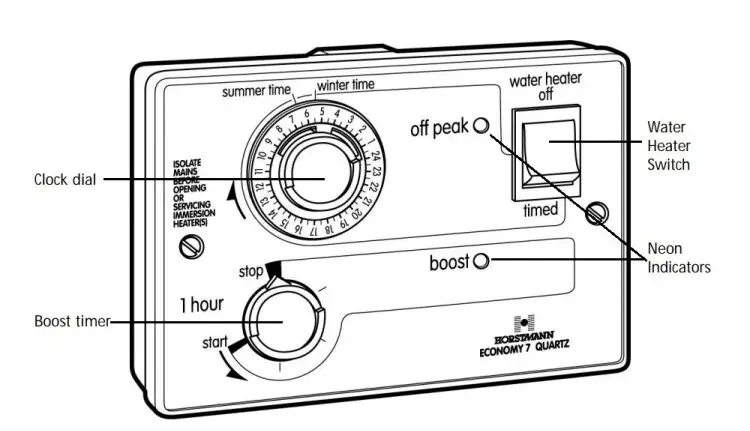
When you open the hallway cupboard door, on the left wall next to the door is the hot water control panel.
The system automatically heats water twice per day.
If you run out of hot water for any reason, the dial on the bottom left of the panel can be turned anticlockwise to heat the water tank for up to 2 hours.
If you find the water is not heating up automatically during your stay, please do check the switch on the top right is set to the “Timed” Setting, by pressing the button down.